

Live Share
Let them follow along.
Send family a live page for the whole trip. It updates itself in any browser, so nobody needs the app, and it ends on its own after you land.
- Any browser
- No app needed
- Plus to share
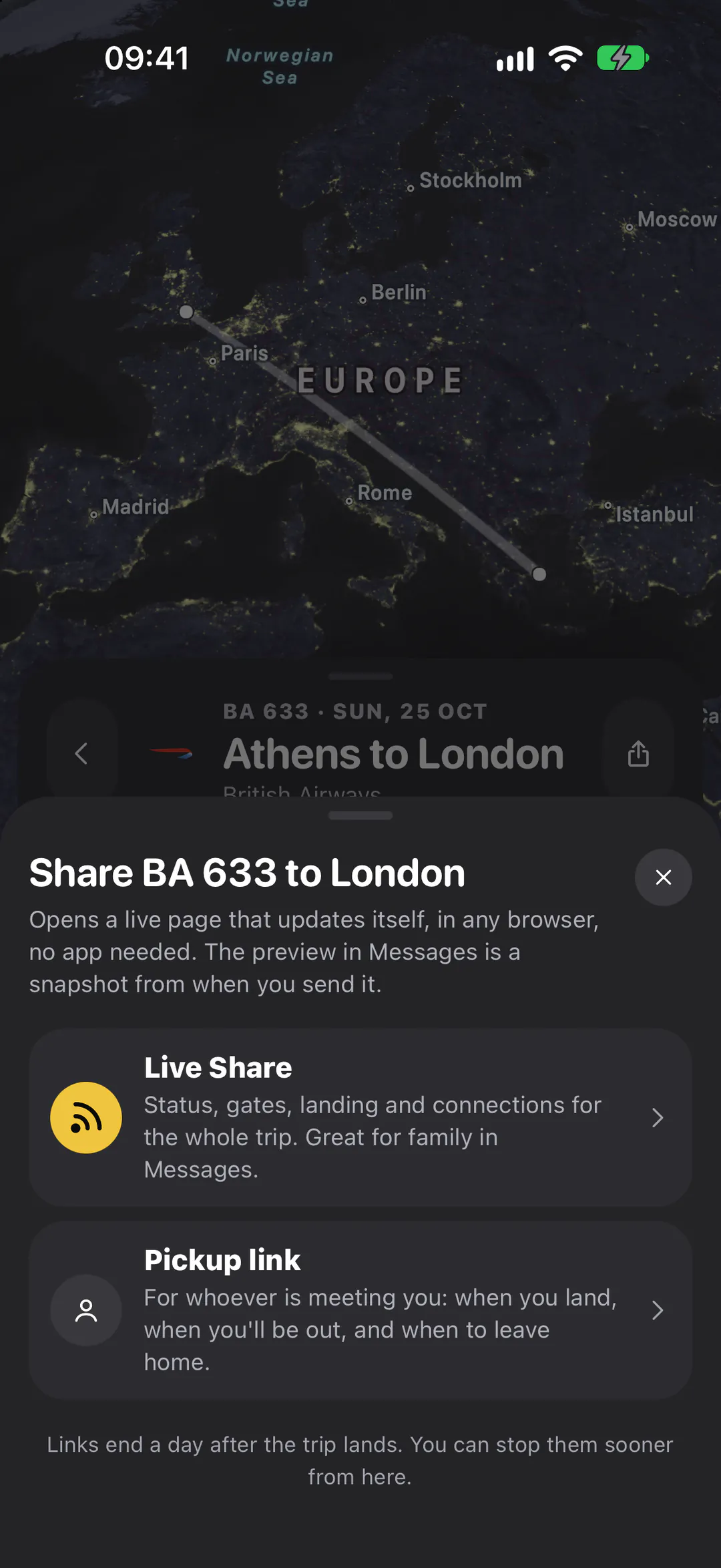
In Messages
A snapshot that opens something live.
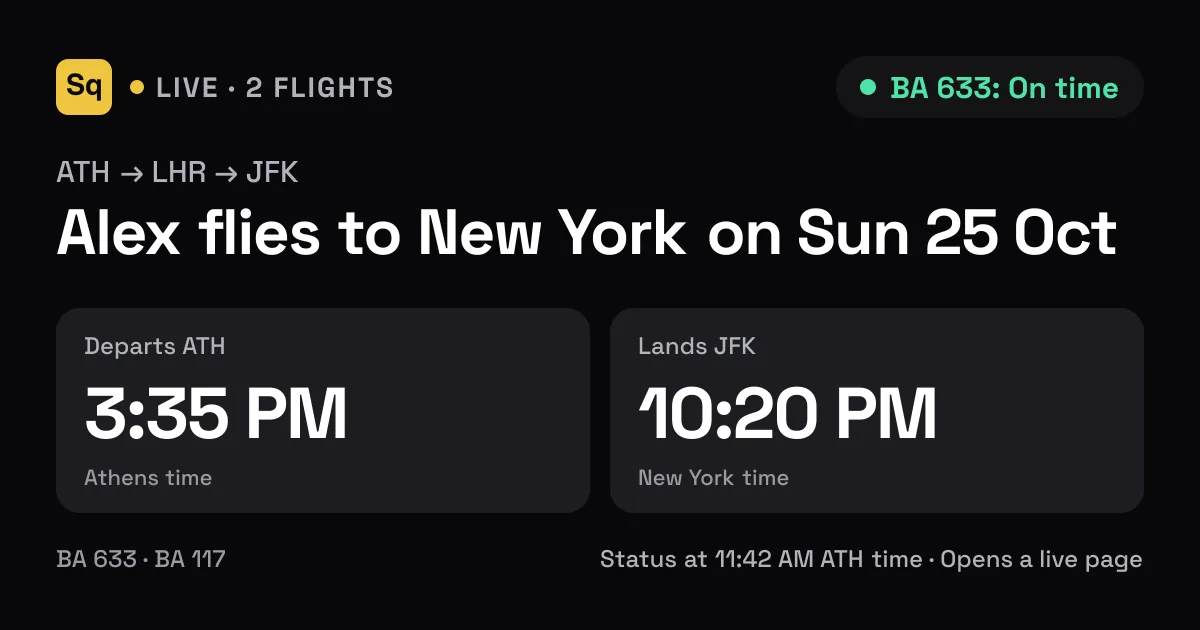
Messages draws the preview once, when you send the link, with the time it was taken. Tap it and the live page opens with the latest times.
- The whole trip: up to four connecting flights
- Previews in Messages, WhatsApp and Android's RCS too
- A new link for every share, so a fresh snapshot every time
Pickup link
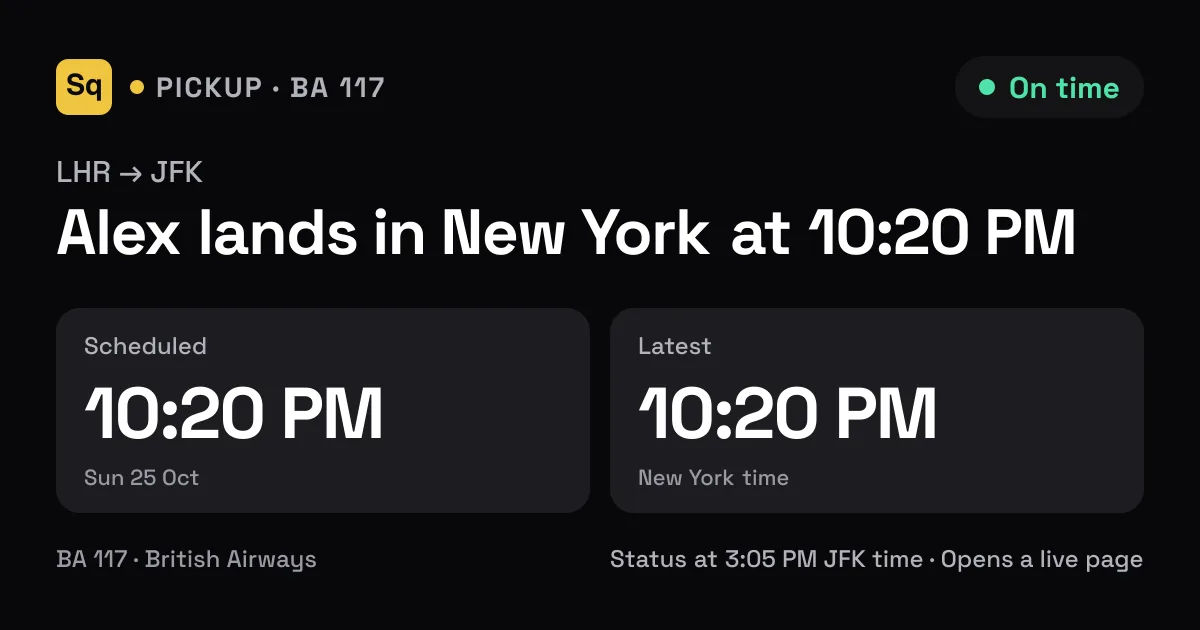
For whoever's meeting you.
Just the flight they're collecting you from, with when you land, when you'll likely be out, and when they should leave home.
- Times on the arrival airport's clock
- Moves with delays, by itself
- Pickup linksPlus
The live page
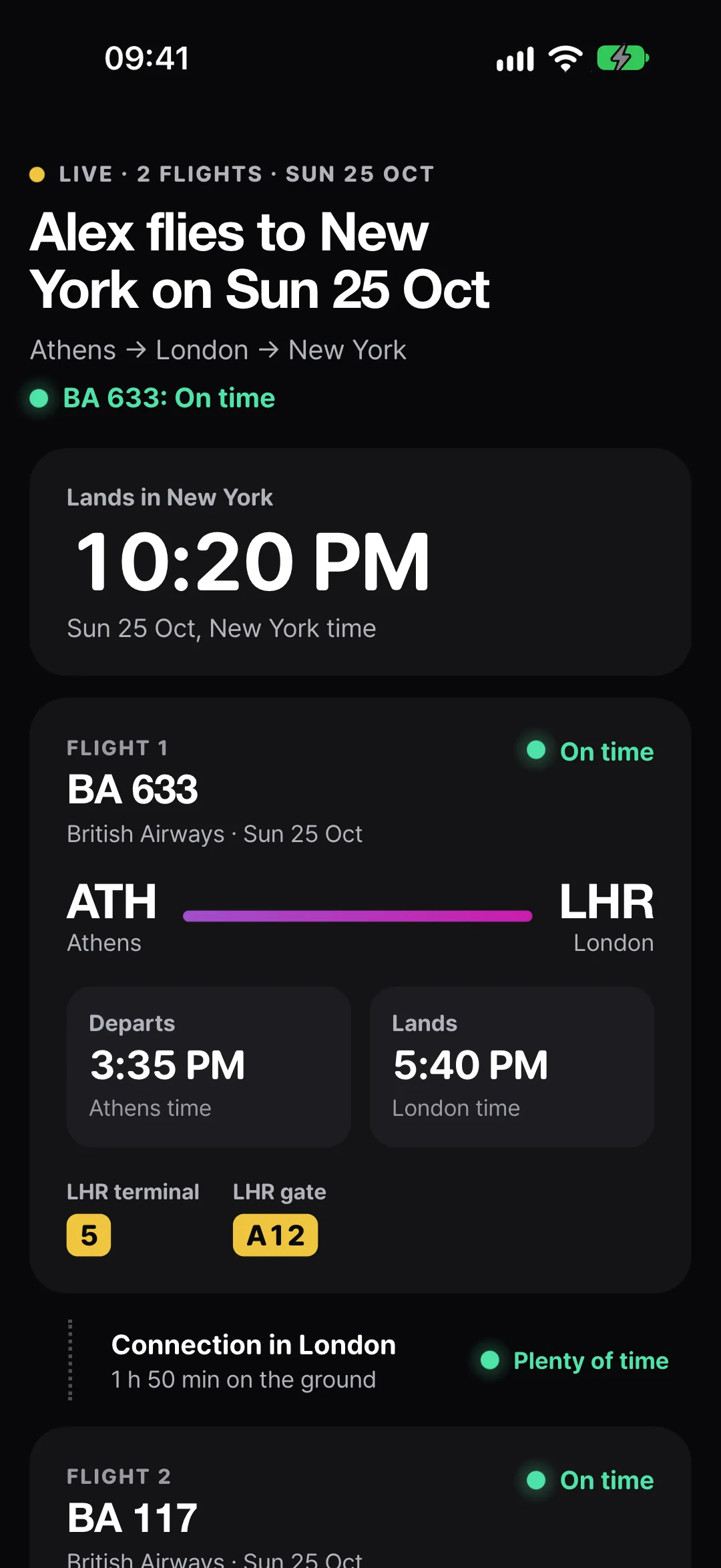
One link. The whole trip.
It refreshes itself every minute while it's open, catches up the moment a phone wakes, and stops once every flight has landed.
Where you are, in a line
“Alex is in the air to London”, “…is connecting in London”, “…landed in New York at 10:20 PM”, with the landing time in big type.
A card for each flight
Status, a progress line from gate to gate, departure and arrival times, then terminal, gate and belt once they're posted.
Every connection, judged
The time on the ground and how it's looking, in plain words:
- Plenty of time
- Tight
- At risk
- Likely to miss it
Times you can trust
Each on its own airport's clock. Estimates wear the forecast colour, and a time that moved shows the old one struck through.
In your hands
Share it. Stop it.
You decide who gets a link, and you can take it back.
Stop sharing
One tap ends every link to the flight, wherever it was pasted, and the page says sharing has stopped.
Ends by itself
Links end a day after the trip lands. Delete the flight and its links end with it.
Only what you share
Your first name and those flights. Not your email, handle, other trips or friends, and never in search results.
Questions
About Live Share.
Do the people following need Squawk?
No. A Live Share or pickup link opens as a web page in any browser, on an iPhone, an Android phone or a computer. There's nothing to install and no account to make.
Why doesn't the preview in Messages change?
iOS doesn't let any app change a message after it's sent, and Messages builds the preview once, on your phone, as you send it. So the preview is a snapshot with its time on it, and the page it opens is the part that stays live. Every share makes a new link, so every send gets a fresh snapshot.
Who can see my trip?
Anyone you give the link to, and anyone they forward it to. It shows your first name and the flights you shared: numbers, airports, times, status, terminal, gate and belt. Never your email, your handle, your other trips or your friends, and the pages are kept out of search engines.
How do I stop sharing?
Tap Stop sharing in the flight's share sheet. Every link to that flight ends at once, wherever it was pasted, and the page says sharing has stopped. A preview already in someone's chat stays there as a picture. Links also end on their own a day after the trip lands, and deleting the flight ends them too.
Is Live Share free?
Making Live Share and pickup links is part of Squawk Plus. Following one is free for everyone, and Stop sharing always works, even after a plan ends.
Bring everyone along.
Squawk is in beta on iPhone. Join now and a TestFlight invite comes to your inbox, or leave your email and hear the day it reaches the App Store.